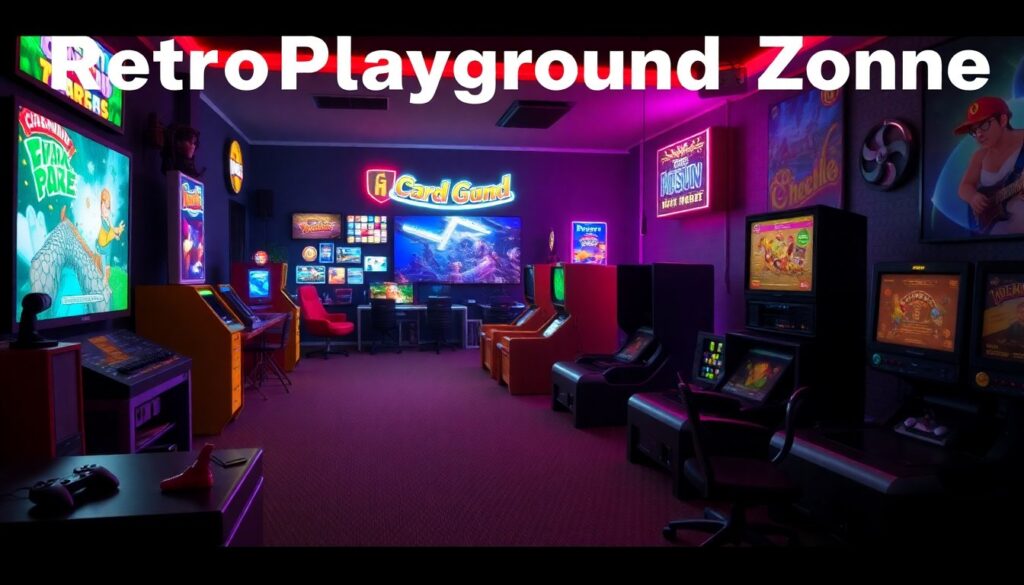
RetroPlaygroundZone gaming offers a single place to find classic games, emulation tools, and a player community. The site lists systems, downloads, and basic guides. Readers will learn how to set up accounts, run emulators, and join forums. The guide keeps steps short and clear. It uses plain terms so readers can act fast and play older titles on modern hardware.
Key Takeaways
- RetroPlaygroundZone gaming is a comprehensive hub for classic games, emulators, and a supportive player community tailored to retro gaming enthusiasts.
- Creating an account on RetroPlaygroundZone allows users to save favorites and access personalized settings for seamless retro gameplay.
- The platform offers clear guides on emulator setup, system requirements, and legal considerations to help players run older titles on modern hardware.
- Players can explore curated collections of classic games, filtered by system type, era, and gameplay features, enhancing game discovery.
- Optimizing performance involves using recommended emulator settings, modern USB controllers mapped to original layouts, and managing system resources effectively.
- Community engagement is strong through forums, tournaments, and modding resources, helping players connect, compete, and customize their gaming experience.
What RetroPlaygroundZone Is And Why It Matters To Retro Gamers
RetroPlaygroundZone gaming is a hub for classic titles and community support. It lists playable ROMs, legal resources, and curated collections. The site helps users find older arcade and console games that work on modern devices. It offers guides that explain legal ownership, save states, and controller mapping. The platform matters because it keeps older games accessible for fans and new players. It preserves gameplay history and gives players tools to run titles with fewer compatibility issues. The site also archives fan-made guides and screenshots for reference.
How To Get Started: Account, Emulators, And System Requirements
To start, create a RetroPlaygroundZone account and verify email. The account stores favorites and profile settings. Next, download recommended emulators listed on the site. Each emulator page shows required files and basic setup steps. Users should check system requirements before downloading. A modern quad-core CPU, 8 GB RAM, and a recent GPU handle most emulators. Storage needs vary by collection size. RetroPlaygroundZone gaming notes which BIOS files are needed and where to place them. It also links to controller setup pages and common troubleshooting tips.
Best Classic Titles And Collections On RetroPlaygroundZone
RetroPlaygroundZone gaming highlights curated collections and verified classics. The listings include arcade cabinets, 8-bit consoles, 16-bit consoles, and handheld systems. The site groups titles by era and by play style. Each collection shows screenshots, release year, and user ratings. Players can filter by difficulty, multiplayer support, and controller type. The platform also displays recommended launch commands and display settings for each emulator.
Tips For Smooth Retro Gameplay: Settings, Controllers, And Performance
RetroPlaygroundZone gaming recommends base settings for stable play. It sets frame rate to the original value when possible and uses integer scaling for pixel clarity. The guide suggests enabling VSync only if screen tearing appears. It advises using modern controllers that map to original layouts. USB gamepads that match D-pad and shoulder buttons work best for most consoles. For performance, close background apps and set power mode to high. Users should enable multi-threaded CPU options if the emulator supports them. The site also shows quick fixes for audio latency and input lag.
Connecting With The Community: Forums, Tournaments, And Modding
RetroPlaygroundZone gaming hosts forums for help, trading tips, and event listings. The forums have sections for platform-specific help, controller threads, and mod showcases. Users can join tournaments that run monthly or during special events. The site posts sign-up pages with rules and match formats. It also supports modding guides that explain sprite edits, difficulty patches, and translation installs. Community members upload patches and test builds in a shared area. New players can find mentors who will help set up netplay or tune controller maps.